SEO BLOG
How to Check If ChatGPT Knows Your Brand (A Repeatable Test)
 Ganesh Shanmugam5 min read
Learn how to check if ChatGPT knows your brand with a repeatable test. Discover the prompts to use, how to score answers, and how to track AI visibility monthly.
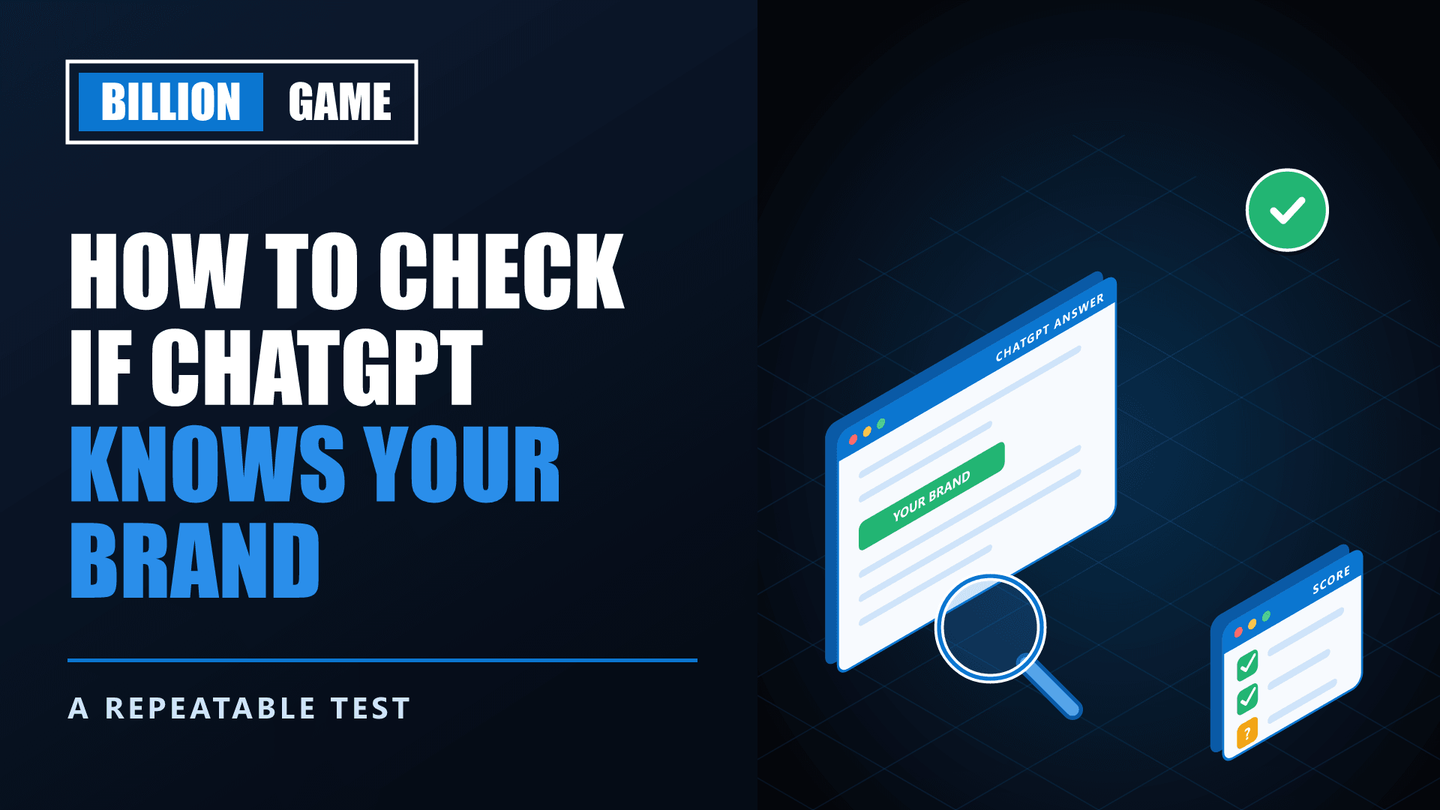
Type your company name into ChatGPT and read what comes back. It might be accurate. It might be vague, out of date, or quietly wrong. It might even describe a different company with a similar name.
Whatever it says, thousands of potential customers may be reading the same answer. That is why business owners increasingly want to know how to check if ChatGPT knows your brand, and on Reddit, threads like "Anyone else checking how ChatGPT describes their company?" keep appearing.
A single search is not a proper check, though, because answers vary. This guide gives you a repeatable test: the prompts to run, the settings to use, how to score the answers, and how to track changes month by month.
Key Takeaways
- Test memory and search separately. ChatGPT's built-in knowledge and its live search can give very different answers.
- Use a clean session. Temporary Chat avoids answers shaped by your own history and memory.
- Run each prompt several times. AI answers vary, so one result proves little.
- Test four prompt types. Direct brand questions, category questions, comparisons and problem questions.
- Score answers consistently. Mentioned, accurate, cited, sentiment and competitors named.
- Check other assistants too. Perplexity, Gemini and Google's AI features each behave differently.
How to Check If ChatGPT Knows Your Brand
Quick answer: To check if ChatGPT knows your brand, open a Temporary Chat, then ask a fixed set of prompts twice: once with web search off to test the model's built-in knowledge, and once with search on to test live visibility. Include direct questions about your brand, category questions such as "best agencies in your city," and comparisons with competitors. Run each prompt three times, record whether you are mentioned, whether the details are accurate and whether your site is cited, then repeat monthly.
The steps below turn that into a process anyone on your team can run.
Step 1: Understand What You Are Testing
ChatGPT can know about your brand in two ways, and you need to test both.
Built-in knowledge comes from training data up to a cutoff date. It reflects what the internet said about you before then.
Live search retrieves current web pages through OpenAI's search crawler, OAI-SearchBot. It reflects what is findable today.
A brand can be missing from one and present in the other. For example, a new company might appear through search but be unknown to the model's memory. If you are missing from search entirely, our guide on why your website is not showing in ChatGPT covers the technical causes.
Step 2: Set Up a Clean Test
Your personal ChatGPT history can shape answers, so remove that influence.
- Use Temporary Chat, which does not use your saved memories or history.
- Start a new chat for every prompt, so earlier answers do not colour later ones.
- Keep your wording identical each month, so results are comparable.
- Note the date and model for every test.
Step 3: Run Four Types of Prompt
Different prompts reveal different things. Use all four types, replacing the examples with your own brand, category and location.
| Prompt type | Example | What it reveals |
|---|---|---|
| Direct brand | "What is [Brand] and what does it do?" | Whether it knows you and how accurately |
| Category | "What are the best [category] companies in [city]?" | Whether you appear when buyers are shopping |
| Comparison | "[Brand] vs [Competitor]: which is better for [need]?" | How you are positioned against rivals |
| Problem | "How do I solve [problem your product solves]?" | Whether you are recommended as a solution |
Direct brand prompts test awareness. Category and problem prompts matter most commercially, because they mirror how buyers search before they know your name.
Step 4: Test With Search Off, Then On
Run your prompt set twice.
- Search off. This tests the model's built-in knowledge.
- Search on. This tests live visibility. Note which websites ChatGPT cites as sources.
Then run each prompt three times. Answers vary between sessions, so a brand that appears once in three runs is only partly visible.
Step 5: Score Every Answer
Use the same scorecard every time, so trends become visible.
| Question | Score |
|---|---|
| Was your brand mentioned? | Yes, partly or no |
| Were the details accurate? | Accurate, outdated or wrong |
| Was your website cited as a source? | Yes or no |
| What was the tone? | Positive, neutral or negative |
| Which competitors were named? | List them |
Keep results in a simple spreadsheet with one row per prompt, per run, per month.
Step 6: Check Other Assistants Too
ChatGPT is only one place buyers ask. Run the same prompt set in:
- Perplexity, which shows numbered sources for each answer. Our guide on how to get cited by Perplexity explains how it chooses them.
- Gemini and Google's AI Mode
- Microsoft Copilot
For Google specifically, Search Console's Generative AI performance report shows how your pages appear in its AI features, which gives you real data alongside manual testing.
Step 7: Check Your Server Logs
Manual tests show outcomes. Server logs show whether AI crawlers are visiting at all.
Ask your developer or host to search the access logs for these user agents:
- OAI-SearchBot, OpenAI's search crawler
- ChatGPT-User, which fetches pages when users ask ChatGPT to
- PerplexityBot and Perplexity-User
If search crawlers never appear, something is probably blocking them. If ChatGPT-User visits appear, real users are asking ChatGPT about your pages.
What to Do With the Results
If ChatGPT does not know you, focus on crawler access and third-party mentions. Build genuine coverage in industry publications, directories and review platforms.
If ChatGPT gets details wrong, update your own website first, then make your brand information consistent across LinkedIn, Google Business Profile and directories. Assistants tend to repeat what several sources agree on.
If competitors appear and you do not, study the sources ChatGPT cites for them. Those are the publications and pages worth earning a place in.
If you would rather have specialists run and interpret this, our AI citation audit benchmarks your brand across the major assistants, and our GEO services handle the improvement work. For a view on whether you need outside help at all, read our guide on whether you need a GEO agency.
Frequently Asked Questions
How do I track my brand in ChatGPT?
Run a fixed set of prompts in Temporary Chat every month, with search off and on, three times each. Record mentions, accuracy, citations and competitors in a spreadsheet so you can see trends over time.
How can I see what ChatGPT says about my company?
Ask it directly in a clean Temporary Chat: "What is [Brand] and what does it do?" Then ask category and comparison questions, because those show whether you appear when buyers are choosing.
Why does ChatGPT give different answers about my brand each time?
AI answers are generated fresh each time and vary between sessions. That is why a proper check runs each prompt several times and looks at the pattern, not one answer.
Can I correct wrong information ChatGPT has about my business?
Not directly. Instead, fix the information on your own website and make it consistent across your profiles and directories. Search-based answers update as the sources they rely on change.
Are there tools that track brand visibility in ChatGPT?
Yes. A growing number of tools automate prompt tracking across assistants. They save time, yet the method above works well for most businesses and costs nothing.
Final Thoughts
AI assistants now shape first impressions of many brands, often before a buyer visits a single website. Checking what they say is quickly becoming as routine as checking your Google rankings.
A single search tells you little. A clean, repeatable test run monthly tells you where you stand and whether your work is paying off. Now you know how to check if ChatGPT knows your brand, and how to turn the results into a plan.
Share
Ready to Hire an AI SEO Expert?
Book a free 30 minute AI Visibility Audit. We analyze your search visibility across Google, ChatGPT, Perplexity AI and AI Overviews.
About the author

Ganesh Shanmugam
Ganesh Shanmugam is an SEO and AEO consultant based in Chennai, India, and the founder of Billion Game — a boutique agency serving clients across the US, UK, Australia, Canada, and Ireland. He previously held SEO roles at 7 Eagles and Digital Scholar before going independent, and brings 4+ years of hands-on experience
AI SEO insights in your inbox
For growth-stage brands: organic traffic, AI citations, and strategy notes. No spam—unsubscribe anytime.
By subscribing you agree to our Privacy Policy.