SEO BLOG
Why Is My Website Not Showing in ChatGPT? 9 Reasons and Fixes
 Ganesh Shanmugam6 min read
Learn why your website is not showing in ChatGPT and how to fix it. Discover the crawler, CDN and content issues that hide sites from AI answers.
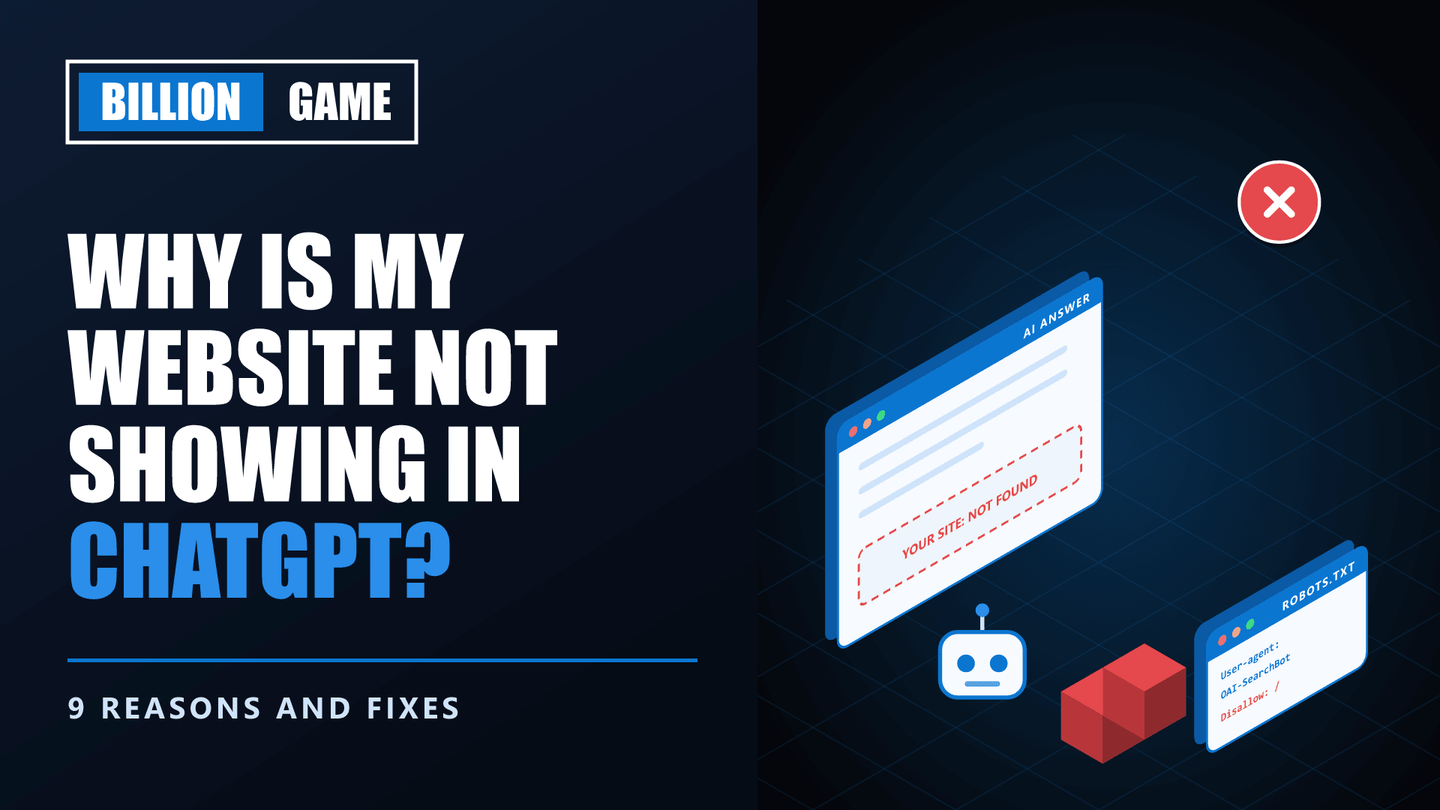
You search your own business in ChatGPT and it names three competitors. Or it describes your company vaguely, with no link. Or it has never heard of you at all.
That is unsettling, because more and more buyers now ask ChatGPT before they ever open Google. If you are wondering why is my website not showing in ChatGPT, the cause is usually specific and fixable. Sometimes it is a single line in a file, or a setting your hosting provider switched on without telling you.
This guide explains how ChatGPT finds websites, then walks through nine reasons yours may be missing, each with a fix. Most of the checks take a few minutes.
Key Takeaways
- ChatGPT has two ways of knowing about you. Its training data, which has a cutoff, and live search, which uses OpenAI's crawler.
- OAI-SearchBot controls search visibility. OpenAI states that sites opting out of OAI-SearchBot will not be shown in ChatGPT search answers.
- Blocking GPTBot does not remove you from search. GPTBot is for training, and OpenAI treats the two settings independently.
- Your CDN may be blocking AI traffic. Cloudflare changed its AI crawler defaults for new domains in 2025 and again in September 2026.
- Many AI crawlers do not run JavaScript. Content that only appears after scripts run may be invisible to them.
- Changes take about a day to register. OpenAI says robots.txt updates take around 24 hours to affect search results.
Why Is My Website Not Showing in ChatGPT?
Quick answer: Your website is probably not showing in ChatGPT because OpenAI's search crawler, OAI-SearchBot, is blocked by your robots.txt, CDN or firewall, because your content relies on JavaScript that AI crawlers cannot render, or because too few independent sources mention your brand. Check your robots.txt and firewall settings first, then make sure your key pages serve their content as plain HTML and answer real questions directly.
To fix the problem, it helps to understand how ChatGPT actually finds websites.
How ChatGPT Finds Websites
ChatGPT draws on two sources, and each has its own reasons for missing you.
1. Training data. The model learned from a large body of text up to a cutoff date. If your business is new, or was rarely mentioned online before that date, the model may not know you from memory.
2. Live search. When ChatGPT searches the web, it relies on OpenAI's crawlers. According to OpenAI's crawler documentation:
| Crawler | What it does | Affects search visibility? |
|---|---|---|
| OAI-SearchBot | Surfaces websites in ChatGPT's search features | Yes |
| GPTBot | Collects content that may be used to train models | No |
| ChatGPT-User | Visits pages when a user asks ChatGPT to | No, and robots.txt may not apply |
That table explains a lot of confusion. Blocking GPTBot to protect your content from training does not remove you from ChatGPT search. Blocking OAI-SearchBot does.
9 Reasons Your Site Is Missing, and How to Fix Each
1. Your robots.txt blocks OAI-SearchBot
This is the most common technical cause. Some sites block all bots except Google, or copy a template that blocks AI crawlers wholesale.
Fix: open yourdomain.com/robots.txt and look for rules naming OAI-SearchBot, or a blanket Disallow: / for all user agents. OpenAI recommends allowing OAI-SearchBot and its published IP ranges. You can test your file with our free robots.txt tester.
2. Your CDN or firewall blocks AI crawlers
Your robots.txt might be fine while your security layer quietly refuses the crawler anyway.
Cloudflare began blocking AI crawlers by default for new domains in July 2025. On 15 September 2026, it updated those defaults again: for new domains, crawlers classed as Search stay allowed, while those classed as Training or Agent are blocked on pages that display ads. Agent traffic includes live fetches made when a user asks about a page.
Fix: in your CDN or firewall dashboard, review the AI crawler settings and any bot-fighting rules. Confirm that OAI-SearchBot is allowed, and decide deliberately whether to allow ChatGPT-User.
3. Your content depends on JavaScript
Many AI crawlers do not execute JavaScript. If your pages load their text through scripts, as many single-page applications and some website builders do, the crawler may see an almost empty page.
Fix: view your page source (not the rendered page) and check that your main content is present in the HTML. Server-side rendering or static generation solves this for most modern frameworks.
4. Your pages are blocked or hidden
Pages behind logins, paywalls, noindex tags or aggressive cookie walls are hard or impossible for any crawler to read.
Fix: make sure the pages you want cited are public, indexable and readable without interaction.
5. Your business is too new for the model to remember
If your company launched recently, the model's training data may predate it. In that case, ChatGPT can only find you through live search.
Fix: focus on search visibility, since training data will catch up over time. Make sure OAI-SearchBot can crawl your site, and build mentions on reputable third-party sites.
6. Too few independent sources mention you
AI assistants tend to trust what several sources agree on. If the only place describing your business is your own website, you are easy to overlook.
Fix: earn genuine mentions in industry publications, directories, review platforms and community discussions. Google's own AI guidance warns that seeking inauthentic mentions is not as helpful as it might seem, so focus on real coverage rather than planted posts.
7. Your pages do not answer questions directly
ChatGPT answers questions. Pages that bury the answer under long introductions, or never state it clearly, are harder to use as a source.
Fix: put a direct answer near the top of each key section, then support it with detail. Use headings that match the questions buyers actually ask. Our AI extractability checker shows how easily machines can pull answers from a page.
8. Your brand information is inconsistent
If your company name, description, location or services differ across your website, LinkedIn, Google Business Profile and directories, assistants struggle to connect them into one clear picture.
Fix: use identical names, descriptions and contact details everywhere your business appears.
9. Competitors simply have more authority
Sometimes nothing is broken. Competitors are just better known, more often cited and more thoroughly covered.
Fix: this is a longer game of content, PR and reputation, which is where dedicated AEO services focus.
A 10-Minute Check
Work through these in order:
- Open your robots.txt and confirm OAI-SearchBot is not blocked.
- Check your CDN or firewall for AI crawler blocking.
- View the source of a key page and confirm the main text is in the HTML.
- Confirm the page is public and not set to noindex.
- Ask ChatGPT, with search enabled, a question your page answers well.
For a structured way to run that last test across many prompts, see our guide on how to check if ChatGPT knows your brand.
Do Not Forget Google's AI Features
ChatGPT is only one assistant. Google's AI Overviews and AI Mode draw on Google's own index, and Google introduced a Search Console control for them that was rolled out to all sites on 31 August 2026. Sites are included by default, yet it is worth confirming nobody on your team switched yours to exclude. You can find it in Search Console under Settings, then Search generative AI.
If you want a full picture of where you appear and where you do not, our AI citation audit checks the major assistants side by side.
Frequently Asked Questions
Why doesn't ChatGPT mention my business?
Usually because OAI-SearchBot cannot crawl your site, your content relies on JavaScript, or too few independent sources mention your business. New businesses may also be missing from the model's training data.
Does blocking GPTBot remove my website from ChatGPT search?
No. OpenAI treats GPTBot, which is for training, and OAI-SearchBot, which is for search, as independent settings. Blocking OAI-SearchBot is what removes you from search answers.
How long does it take for ChatGPT to show my website after I fix robots.txt?
OpenAI says it can take around 24 hours for its systems to adjust to a robots.txt change. Appearing in answers then depends on relevance and authority.
How can I get my company mentioned in ChatGPT answers?
Allow OAI-SearchBot, serve content in plain HTML, answer buyer questions directly, keep your brand details consistent everywhere, and earn genuine mentions on reputable third-party sites.
Do I need an llms.txt file to appear in ChatGPT?
It is not required. Google's own guide says it does not use llms.txt for its AI features, and crawler access and content quality matter far more for assistants generally.
Final Thoughts
Most sites missing from ChatGPT are not being ignored on purpose. They are blocked by a file or a firewall, hidden behind JavaScript, or simply not mentioned often enough elsewhere.
Start with the technical checks, since they are quick and often decisive. Then build the content and reputation that make your site worth citing. Once you know why is my website not showing in ChatGPT, the fix is usually well within reach.
Share
Ready to Hire an AI SEO Expert?
Book a free 30 minute AI Visibility Audit. We analyze your search visibility across Google, ChatGPT, Perplexity AI and AI Overviews.
About the author

Ganesh Shanmugam
Ganesh Shanmugam is an SEO and AEO consultant based in Chennai, India, and the founder of Billion Game — a boutique agency serving clients across the US, UK, Australia, Canada, and Ireland. He previously held SEO roles at 7 Eagles and Digital Scholar before going independent, and brings 4+ years of hands-on experience
AI SEO insights in your inbox
For growth-stage brands: organic traffic, AI citations, and strategy notes. No spam—unsubscribe anytime.
By subscribing you agree to our Privacy Policy.