SEO BLOG
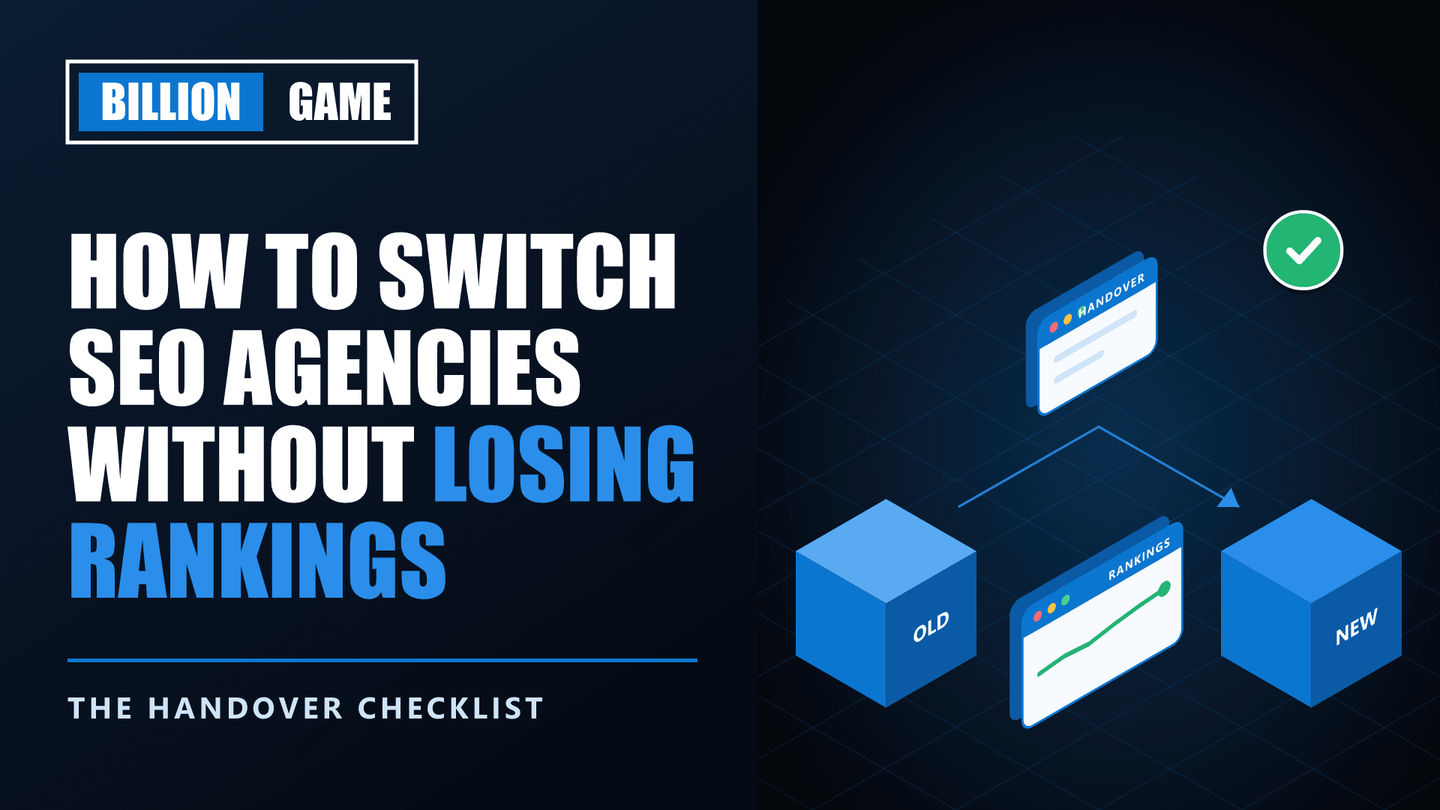
How to Switch SEO Agencies Without Losing Rankings (Handover Checklist)
 Ganesh Shanmugam5 min read
Learn how to switch SEO agencies without losing rankings. Discover the handover checklist, the accounts to secure first, and the risks most businesses miss.
You have decided to leave your SEO agency. Maybe results stalled, maybe communication broke down, or maybe you simply outgrew them. Now a new worry takes over: what if rankings crash the moment you switch?
The fear is understandable, yet usually misplaced. Changing agencies does not affect rankings by itself. Google has no idea who does your SEO. Rankings drop during a switch for specific, avoidable reasons, such as lost account access, removed links or rushed site changes.
This guide shows you how to switch SEO agencies without losing rankings. It covers what to secure before you give notice, a complete handover checklist, the hidden risks most businesses miss, and how to brief your new agency.
Key Takeaways
- Switching agencies does not hurt rankings on its own. Problems come from lost access, removed links and hasty changes.
- Secure ownership before you give notice. Domain, hosting, Search Console, Analytics and Business Profile come first.
- Export your data early. Search Console keeps 16 months of performance data, so save it before anything changes.
- Ask about links the agency controls. Rented or network links can disappear when you leave.
- Never combine a switch with a redesign. Change one thing at a time so you can spot problems.
- Remove old access properly. In Search Console, a verified owner needs their verification method removed too.
How to Switch SEO Agencies Without Losing Rankings
Quick answer: To switch SEO agencies without losing rankings, secure ownership of your domain and every Google account before giving notice, export your Search Console and analytics data, collect all documentation from the outgoing agency, check whether any backlinks depend on the agency, and avoid making major site changes during the transition. Then remove the old agency's access properly and let your new agency audit before changing anything.
Follow the steps in order. The sequence matters, because some of them become much harder once the relationship ends.
Step 1: Secure Ownership Before You Give Notice
Do this while the relationship is still friendly. Confirm you are the owner, not merely a user, of each of these:
- Domain name, registered to you or your company
- Hosting account and website admin
- Google Search Console, listed as Owner under Settings, then Users and permissions
- Google Analytics, with administrator access at account level
- Google Business Profile, as primary owner
- Google Tag Manager, if used
- CDN or DNS provider, such as Cloudflare
If the agency owns any of these, request a transfer in writing now. Agencies holding accounts hostage is one of the patterns covered in our guide on whether your SEO agency is scamming you.
Step 2: Export Your Data
Save a baseline before anything changes. You will need it to prove whether rankings held.
- Search Console performance data. Search Console keeps 16 months of data, so export queries and pages for the full range.
- Analytics reports for organic traffic and conversions.
- Rank tracking history, if the agency tracked rankings for you.
- A crawl of your site, saved as a record of titles, URLs and redirects today.
Step 3: Collect the Documentation
Ask the outgoing agency for everything it created or maintained on your behalf.
| Item | Why you need it |
|---|---|
| Keyword research and target list | Shows what each page is meant to rank for |
| Content calendar and published articles | Avoids duplicating or abandoning work |
| Change log of site edits | Explains past decisions and fixes |
| List of backlinks built | Lets you check which links depend on the agency |
| Redirect map | Prevents broken URLs after changes |
| Disavow file, if one exists | Keeps previous link clean-up in place |
| Technical issue tracker | Shows what is fixed and what is pending |
| Reports and dashboards | Gives your new agency context |
An agency that refuses to hand over work you paid for is telling you something important. Before you leave, it is also worth checking that the work you paid for actually exists, and our guide on how to audit your SEO agency shows you how.
Step 4: Check Which Links Depend on the Agency
This is the risk most businesses miss. Some agencies build links on sites they own or rent, such as private blog networks. When you leave, those links can vanish, and rankings can fall with them.
Review the backlink list against the Links report in Search Console. Then ask directly which links sit on properties the agency controls. Links earned through genuine outreach and PR stay in place, because third-party sites own them. Rented links do not.
If you discover many low-quality or network links, treat it as a warning sign rather than a loss. Google's spam policies prohibit link schemes, so those links carry risk anyway.
Step 5: Do Not Change Anything Else at the Same Time
Resist the urge to launch a redesign, change platforms or rewrite your whole site during the switch. If rankings move, you need to know why.
Change one thing at a time. Let the handover settle, then plan larger changes with your new agency, starting with a proper review.
Step 6: Remove the Old Agency's Access Properly
Once the handover is complete, remove access everywhere. Search Console needs extra care.
In Search Console, open Settings, then Users and permissions. Users added by you can simply be removed. However, if the agency is a verified owner with its own verification method, such as an HTML file or meta tag it added, you must remove that verification token from your site first. Otherwise, the agency can regain ownership.
Then remove the agency from Google Analytics, Business Profile, Tag Manager, hosting and your CMS. Finally, change any shared passwords.
Step 7: Brief Your New Agency, Then Let Them Audit
Give your new agency the baseline data and all the documentation. Before it changes anything, ask for an audit so you both understand the starting point. A thorough SEO audit separates inherited problems from new ones, which also protects the new agency from blame for issues it did not create.
What to Watch in the First 60 Days
Compare weekly Search Console data against your exported baseline. Small fluctuations are normal. Look out for:
- Sudden drops on specific pages, which may point to removed content or broken redirects
- Falling link counts in the Links report, which may mean agency-controlled links disappeared
- New indexing errors, which may signal technical changes during the handover
- Manual actions, which should always show no issues detected
If something looks wrong in Search Console, our Search Console issue fixing service can diagnose it quickly.
Frequently Asked Questions
Will switching SEO agencies hurt my rankings?
Not by itself. Google does not know or care who manages your SEO. Rankings fall only when something changes, such as removed links, broken redirects, lost content or rushed site changes.
What should I get from my old SEO agency before leaving?
Ownership of every account, plus keyword research, content lists, a change log, the list of backlinks built, the redirect map, any disavow file and past reports.
Can my old SEO agency remove the backlinks they built?
Only if the links sit on sites the agency controls. Links earned from independent publications stay in place. Ask which links depend on the agency before you leave.
How do I remove an old agency from Google Search Console?
Go to Settings, then Users and permissions, and remove the user. If the agency is a verified owner, first remove its verification token, such as an HTML file or meta tag, from your site.
How long does it take a new SEO agency to get up to speed?
Usually a few weeks. Good documentation from the outgoing agency shortens this considerably, and an initial audit gives the new team a clear starting point.
Final Thoughts
Switching agencies is routine, and handled carefully it carries little risk. The damage people fear almost always comes from lost access, vanished links or too many changes at once, all of which you can prevent.
So secure ownership first, export your data, collect documentation, check your links, and change one thing at a time. If you are looking for a new partner, talk to our team about a smooth handover. Follow this checklist and you will know exactly how to switch SEO agencies without losing rankings.
Share
Ready to Hire an AI SEO Expert?
Book a free 30 minute AI Visibility Audit. We analyze your search visibility across Google, ChatGPT, Perplexity AI and AI Overviews.
About the author

Ganesh Shanmugam
Ganesh Shanmugam is an SEO and AEO consultant based in Chennai, India, and the founder of Billion Game — a boutique agency serving clients across the US, UK, Australia, Canada, and Ireland. He previously held SEO roles at 7 Eagles and Digital Scholar before going independent, and brings 4+ years of hands-on experience
AI SEO insights in your inbox
For growth-stage brands: organic traffic, AI citations, and strategy notes. No spam—unsubscribe anytime.
By subscribing you agree to our Privacy Policy.