
Free Schema Markup Generator
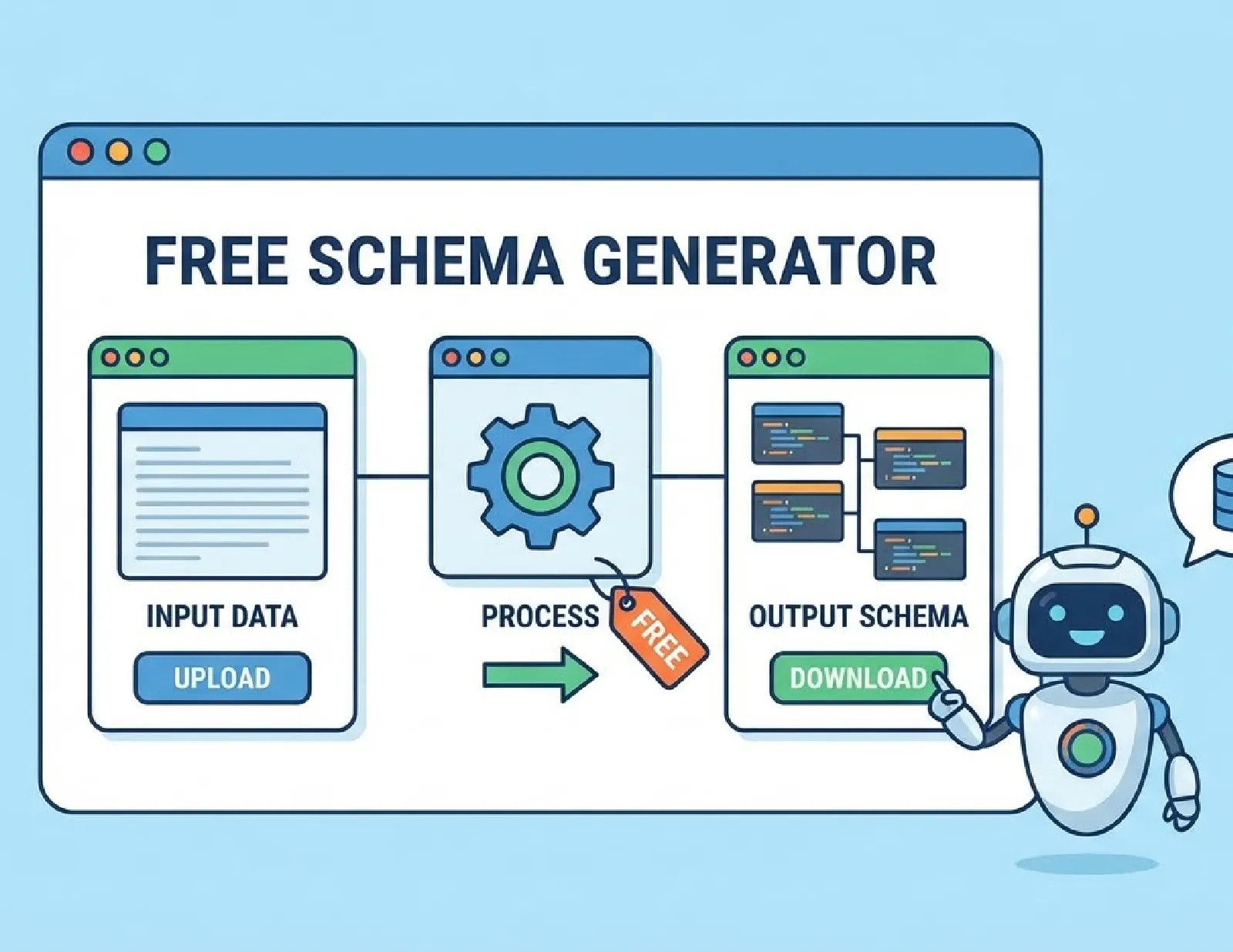
Generate valid JSON-LD structured data for your website in seconds. Our free schema markup generator supports LocalBusiness, FAQ, Product, Article, HowTo, Organization, Person, and Event schemas. No signup required — just fill in your details and copy the code.- Free to Use
- No Credit Card Required
Local Business Schema
✅ Your JSON-LD Schema
📖 How to Add This to Your Website
- Copy the generated code above
- Paste it in your HTML
<head>section, OR - If using WordPress, use a plugin like "Insert Headers and Footers" or "Rank Math"
- Test your schema at Google's Schema Validator
What is Schema Markup?
Schema markup is a type of structured data that helps search engines understand your website content better. When you add schema markup to your pages, Google can display rich results (also called rich snippets) in search results — including star ratings, FAQs, pricing, business hours, and more.
Using JSON-LD format (recommended by Google), schema markup sits in your HTML <head> section and communicates directly with search engine crawlers without affecting your visible content.
Why Use Schema Markup on Your Website?
Adding structured data to your website can significantly improve your SEO performance:
- Rich Snippets in Search Results Schema markup enables rich results like star ratings, FAQ dropdowns, product prices, and event details directly in Google search. These enhanced listings attract more clicks than standard blue links.
- Higher Click-Through Rates Websites with rich snippets typically see 20-30% higher click-through rates compared to regular search results. More visibility means more traffic.
- Better Search Engine Understanding Schema helps Google understand the context of your content — whether it’s a local business, a product, an article, or an event. This improved understanding can lead to better rankings for relevant searches.
- Voice Search Optimization As voice search grows, structured data becomes essential. Google Assistant and other voice assistants often pull answers directly from schema-marked content.
Schema Types Supported by This Tool
Our free generator supports the most commonly used schema types:
- Local Business Schema Perfect for local stores, restaurants, service providers, and any business with a physical location. Includes address, phone, hours, and price range.
- FAQ Schema Add FAQ structured data to get expandable question-and-answer snippets in Google search results. Great for service pages and blog posts.
- Product Schema Essential for e-commerce websites. Display price, availability, ratings, and reviews directly in search results.
- Article Schema For blog posts, news articles, and editorial content. Helps Google understand authorship, publication date, and publisher information.
- HowTo Schema Step-by-step guides and tutorials can appear as rich results with expandable steps in Google search.
- Organization Schema Company information including logo, contact details, and social media profiles. Important for brand knowledge panels.
- Person Schema For personal profiles, author pages, and team member bios. Useful for establishing E-E-A-T signals.
- Event Schema Webinars, conferences, workshops, and local events. Display dates, location, and ticket information in search results.
How to Use This Schema Generator
Step 1: Select Your Schema Type Choose the type of structured data you need from the left panel — Local Business, FAQ, Product, or any other supported type.
Step 2: Fill in Your Details Enter the required information in the form. Fields marked with * are required for valid schema markup.
Step 3: Generate Your Code Click the “Generate Schema Markup” button to create your JSON-LD code instantly.
Step 4: Copy and Implement Copy the generated code and paste it into your website’s <head> section. If you’re using WordPress, you can use plugins like Rank Math, Yoast SEO, or Insert Headers and Footers.
Step 5: Validate Your Schema Test your implementation using Google’s Rich Results Test (https://search.google.com/test/rich-results) or Schema.org Validator (https://validator.schema.org/).
Frequently Asked Questions
JSON-LD (JavaScript Object Notation for Linked Data) is Google’s recommended format for structured data. It’s easy to implement because the code sits separately in your HTML head section and doesn’t mix with your visible content.
Yes, completely free with no signup required. Generate unlimited schema markup for any of the supported types.
Add the generated JSON-LD code inside the <head> section of your HTML, before the closing </head> tag. In WordPress, you can use SEO plugins or the theme’s header code section.
After implementing schema markup, Google needs to recrawl your page. This can take anywhere from a few days to a few weeks. You can request indexing through Google Search Console to speed up the process.
Yes, you can add multiple schema types to a single page. For example, an article page can have both Article schema and FAQ schema.
Schema markup doesn’t directly boost rankings, but it improves how your pages appear in search results. Better visibility leads to higher click-through rates, which can positively impact your SEO over time.
Meta tags (like title and description) are for basic page information. Schema markup provides much more detailed, structured information about your content that search engines can use for rich results.
Need Help Implementing Schema Markup?
While this tool generates the code for you, proper implementation requires technical knowledge. If you’re not comfortable editing your website’s code, or if you need help with a comprehensive technical SEO strategy, we’re here to help.
Billion Game offers:
- Technical SEO audits
- Schema markup implementation
- Google Search Console optimization
- Full-service SEO for B2B SaaS and local businesses