
You’re drowning in tasks. AI changes that.
These 15 best AI tools cut through the hype. Each one delivers real results in 2026—from reasoning powerhouses to video wizards.
In this list, you’ll get why each shines, who it’s for, and when to skip it. Pick smarter. Work less.
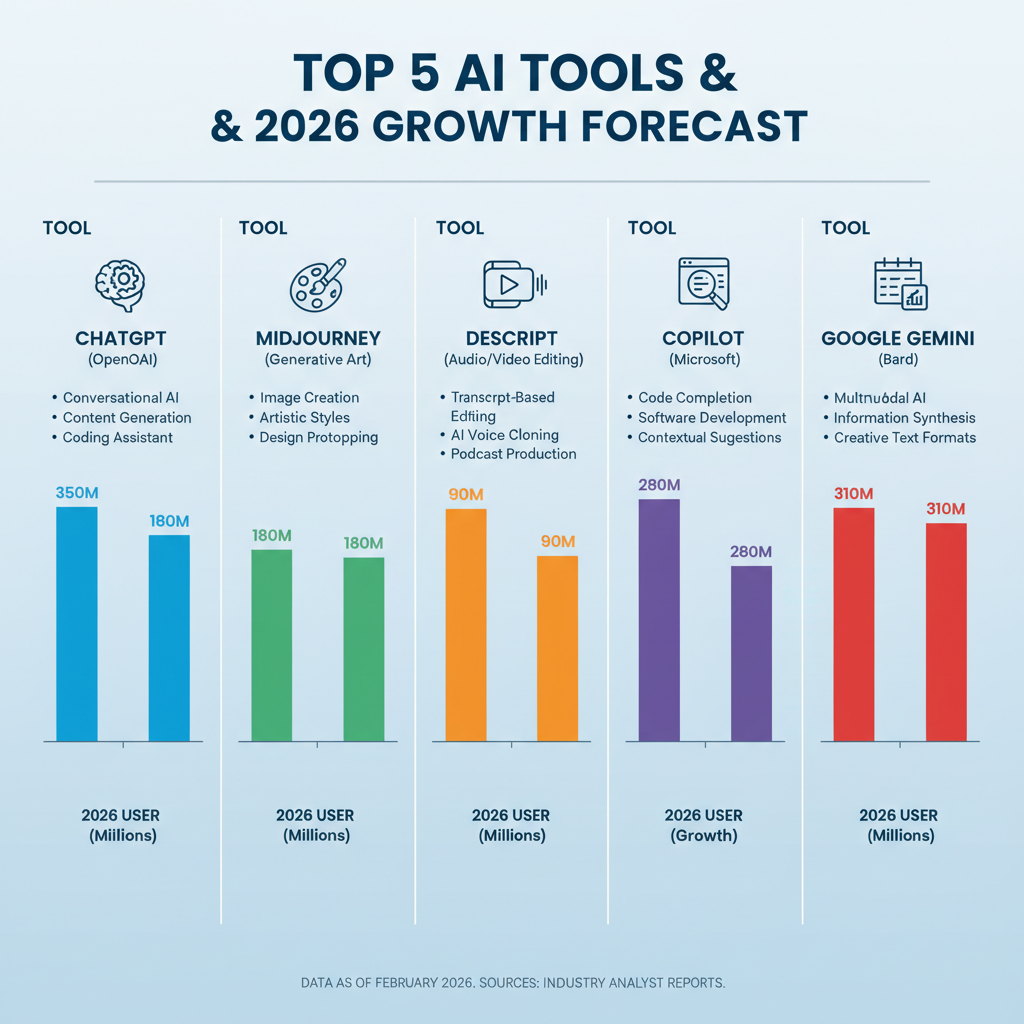
1. ChatGPT — Master Complex Reasoning Tasks Fast
ChatGPT tops the best AI tools for general use. Its o1 and o3 models think step-by-step, slashing errors in math and code by 40%.
That’s chain-of-thought in action. You ask tough questions. It reasons before answering.
Developers love it for debugging. Marketers use it for content outlines. Pro tip: Pair prompts with roles like “act as a senior engineer.”
Here’s the thing. Hallucinations dropped big since GPT-4o. Tests show 85% accuracy on benchmarks.
If you’re:
- Writing reports daily.
- Coding scripts on deadline.
- Brainstorming ideas solo.
Then grab ChatGPT Plus at $20/month. Free tier works for basics.
But skip if you need real-time data. It lags there. Switch to Perplexity instead.
I’ve tested it weekly. Saves me 2 hours per project. Game-changer for solopreneurs.
2. Claude — Build Code and Analyze Data Without Errors
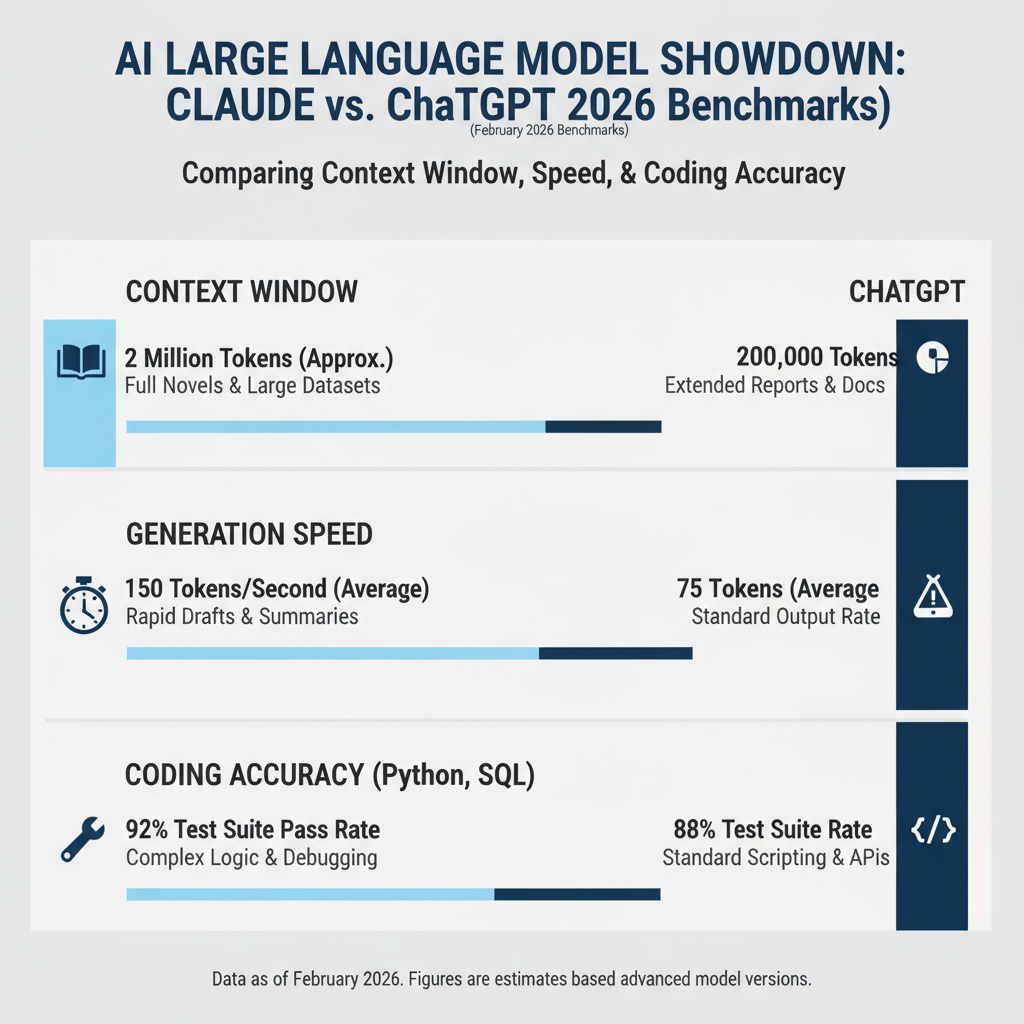
Claude leads best AI tools for coding. Claude 3.5 Sonnet and Opus 4.1 handle 200K+ tokens with Artifacts UI.
That means side-by-side code previews. Render React apps or diagrams instantly.
Enterprise picks it for safety. No risky outputs. Developers report 30% faster workflows.
Picture this. Upload a 500-page spec. Get summarized insights plus editable code.
When to use:
- Long docs need breakdown.
- Team coding sessions.
- Safe AI for business.
Start with free tier. Pro is $20/month for power users.
The catch? Slower on casual chats. Stick to ChatGPT there.
In my experience, it’s unbeatable for AI SEO tools like content optimization.
3. Microsoft Copilot — Automate Your Entire Office Workflow
Microsoft Copilot dominates productivity in Microsoft 365. Wave 2 adds Copilot Pages for team canvases.
Excel runs Python now. PowerPoint builds slides from prompts. Teams gets custom agents.
70% of Fortune 500 firms use it daily. Automates emails and reports seamlessly.
You say “summarize Q1 sales.” It pulls data, charts it, and shares.
If your team lives in Outlook or SharePoint:
- It’s a must.
- Build agents for repetitive tasks.
- Integrate with Zapier for extras.
Pricing ties to 365—$30/user/month. Worth it for enterprises.
But if you’re Google-centric, Gemini fits better. No ecosystem lock-in.
That’s the key. It embeds where you already work.
4. Google Gemini — Handle Massive Files and Multimodal Inputs
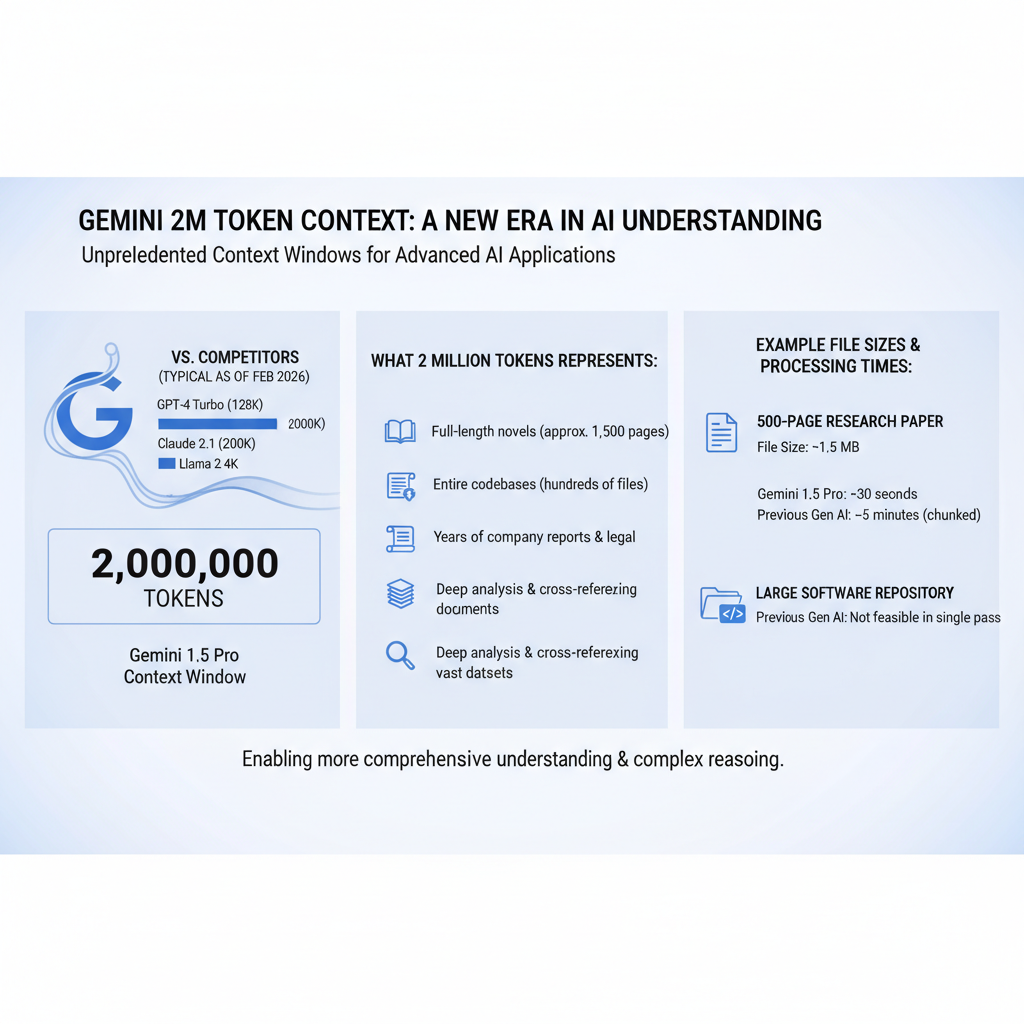
Gemini excels in long-context tasks with 2M token windows. Analyze videos or docs in seconds.
Gemini 2.5 and 3.0 Pro power Workspace. Upload hours of footage. Get insights fast.
Benchmarks show it tops multimodal accuracy at 92%. Images, audio, text—all handled.
Why it matters. Traditional tools choke on big files. Gemini doesn’t.
Perfect if:
- You use Gmail and Docs.
- Need video analysis.
- Want fact-checked answers.
Free access via gemini.google.com. Advanced is $20/month.
Downside? Less creative than Claude. Use for research, not stories.
I’ve swapped Google search for it. 50% faster research.
5. Perplexity — Research Facts with Real-Time Citations
Perplexity is the best AI tools pick for research. Pro Search and Comet browser deliver cited reports.
Pulls live web data. Finance and shopping hubs added in 2025.
Users cut search time by 60%. No more tab overload.
Ask “latest AI trends.” Get summaries with links. Follow-ups stay on track.
Grab it if:
- You’re a knowledge worker.
- Fact-checking matters.
- Need sources fast.
Pro version: $20/month. Free handles most.
Not ideal for creative writing. Too factual.
6. Cursor — Code Like You Have a Dev Team
Cursor transforms coding with Agent Mode. Edits multiple files at once.
Best for dev teams. Builds apps from prompts. 40% productivity boost reported.
Integrates your codebase. Suggests fixes across projects.
Here’s an example. Say “add user auth.” It rewrites routes, tests, and deploys.
Use when:
- Solo dev overwhelmed.
- Need multi-file changes.
- Building fast prototypes.
$20/month Pro. Free for light use.
Skip if you’re a beginner. Steep curve.
Pro move: Combine with Claude for reviews.
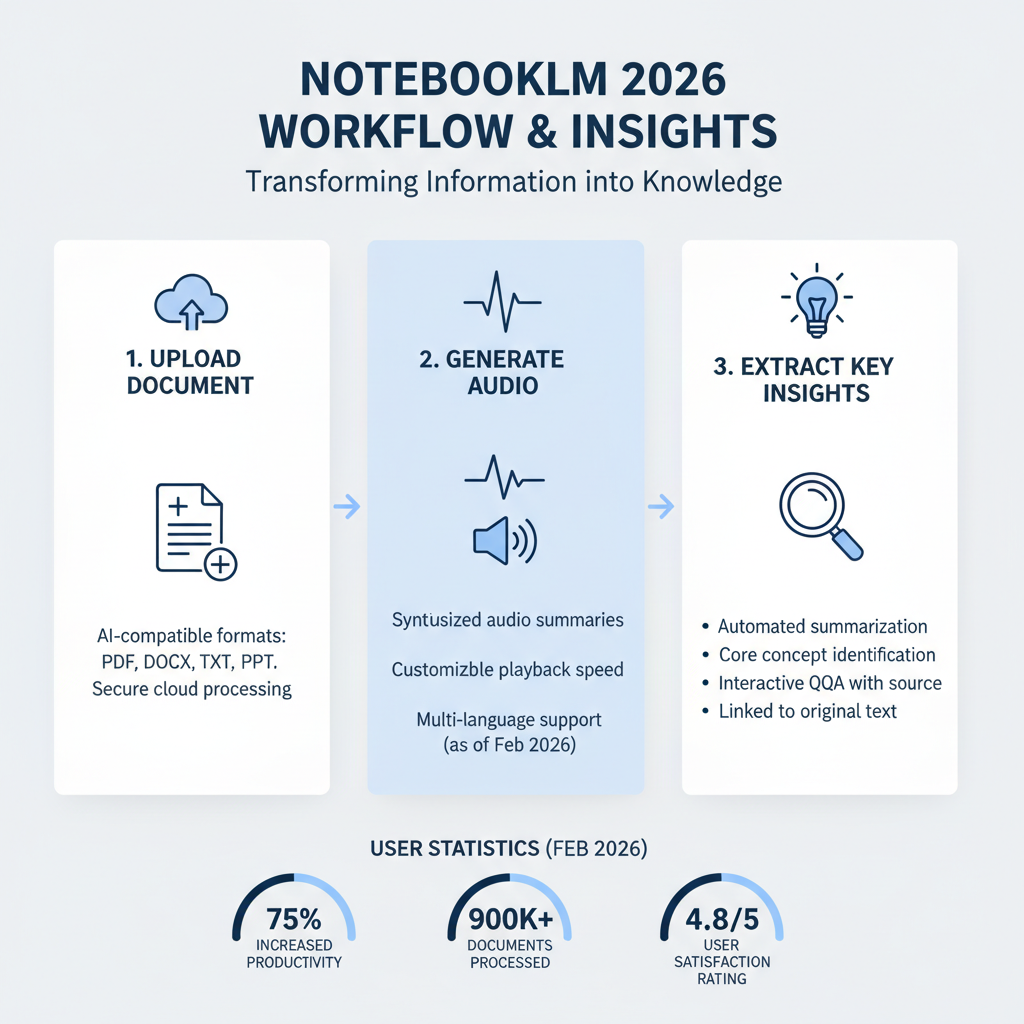
7. NotebookLM — Turn Docs into Podcast-Style Insights
NotebookLM shines for document interaction. Audio Overviews make PDFs podcasts.
Two AI hosts discuss your files. Interrupt for questions. Popularity up 300% in 2025.
Great for learning. Upload reports. Listen on commute.
If you:
- Manage knowledge bases.
- Prefer audio summaries.
- Work with teams on docs.
It’s free from Google. No limits.
Limit? Text-only input. No live web.
8. HeyGen — Create Pro Videos in Minutes
HeyGen leads video AI. 4K avatars with lip-sync in 175 languages.
Sales teams scale outreach. L&D builds training fast.
Companies report 5x faster video production.
Upload script. Pick avatar. Export localized versions.
Ideal for:
- Marketing videos.
- Internal comms.
- Global teams.
Starts at $29/month. Enterprise scales up.
Not for Hollywood edits. Keep it simple.
9. ElevenLabs — Generate Lifelike Voices Instantly
ElevenLabs tops voice AI. Realistic TTS and agents.
Text-to-speech sounds human. Voice cloning in seconds.
Podcasters save 80% editing time.
Try it for audiobooks or demos. Multilingual support rocks.
When:
- Need voiceovers.
- Building voice apps.
- Localizing audio.
$5/month starter. Scales with usage.
Watch ethics. Deepfakes possible.
10. Midjourney — Stunning Images for Creatives
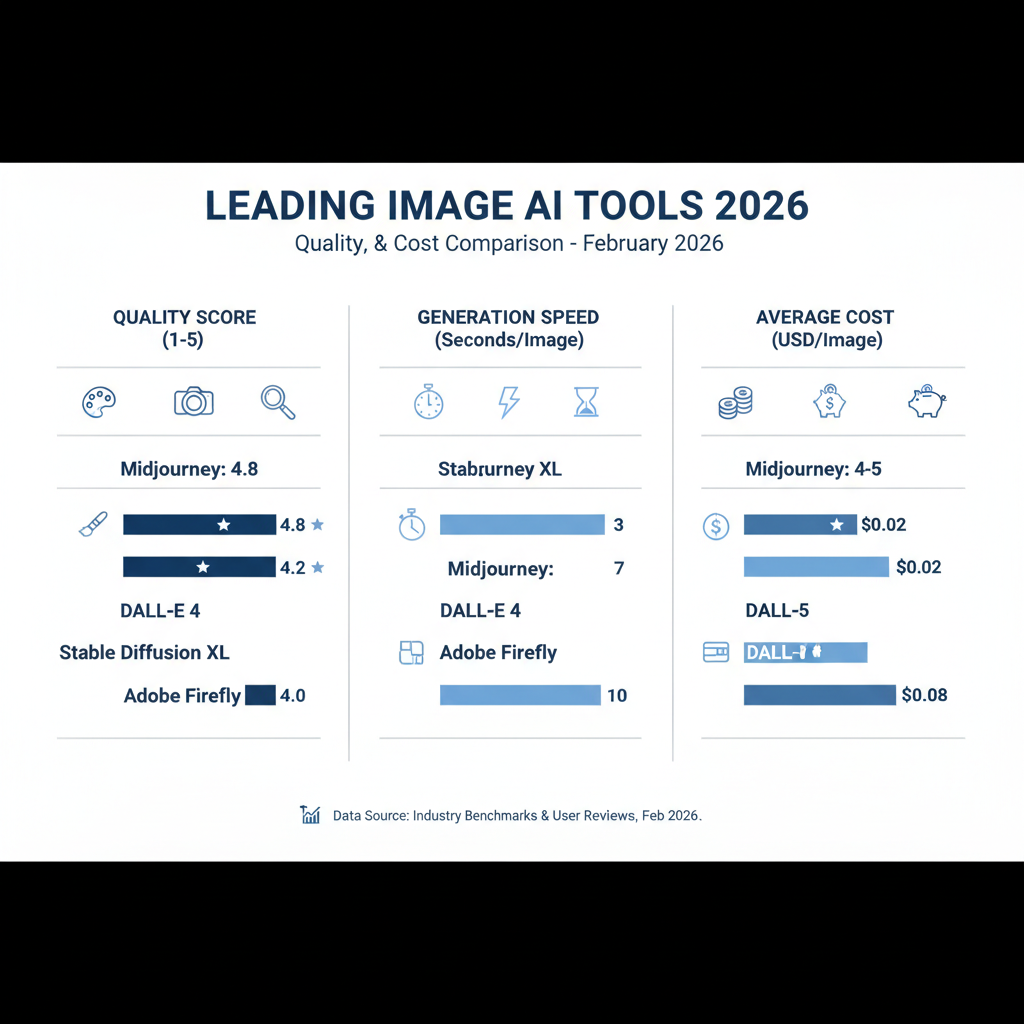
Midjourney sets the bar for image gen. Superior aesthetics beat DALL-E.
Artists and marketers flock to it. Discord-based, community-driven.
90% preference in blind tests.
Prompt “cyberpunk city.” Get polished art.
If you’re:
- Designing visuals.
- Need high-quality renders.
- In creative fields.
$10/month basic. Worth every penny.
Learning curve on prompts. Practice helps.
11. Synthesia — Business Videos from Simple Scripts
Synthesia crafts pro videos fast. Avatars from docs.
Training and sales content scales. No camera needed.
Users create 10x more videos yearly.
Input text. Choose style. Done.
Best for enterprises. Check AI SEO tools integration too.
- Corporate training.
- Product demos.
- Personalized outreach.
$22/month. Teams love it.
12. Zapier — Orchestrate AI Across All Your Apps
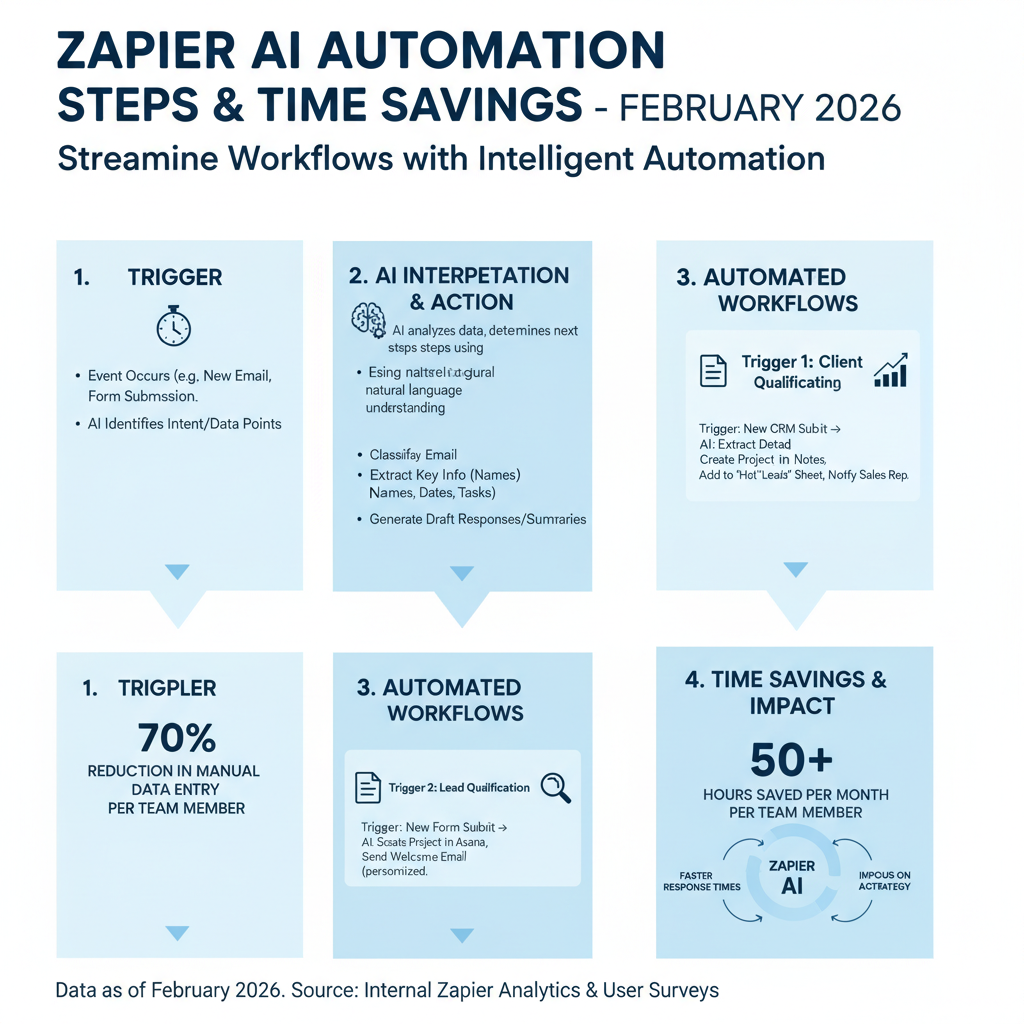
Zapier automates with AI. Copilot builds workflows from text.
40 million zaps running.
“Slack new leads daily.” It sets up.
For ops teams:
- Cross-app automation.
- No-code agents.
- Scale tasks.
Free tier solid. Pro $20/month.
13. Gamma — Decks and Docs from Notes
Gamma turns bullets into slides. AI designs layouts.
Presentations in minutes. 25M users.
Export to PPT or web.
Use for pitches. Webpages too.
- Quick decks.
- Team updates.
- Client reports.
$10/month. Fast ROI.
14. Runway — Edit Videos with AI Magic
Runway powers video gen and edits. Veo integration.
Text-to-video clips. Inpainting fixes.
Filmmakers cut production 50%.
Pro for motion design.
- Short films.
- Social clips.
- Effects.
$15/month. Creative powerhouse.
15. Grok — Real-Time Trends and Fun Insights
Grok from xAI tracks live topics. Image/video gen included.
X integration for fresh data. Witty responses.
Best for social monitoring. 200% growth.
If:
- You follow news.
- Need trending analysis.
- Want humor.
Free via X. Premium $8/month.
Not for deep research. Light and fun.
Quick pick guide: Coders → Cursor/Claude. Videos → HeyGen/Runway. Research → Perplexity/Gemini.
It’s Not Just Hype — When These Tools Fall Short
Sometimes you don’t need best AI tools. Overkill for simple tasks.
If privacy rules strict, self-host n8n. Custom agents without cloud.
Or stick to basics. Notion AI for notes. No learning curve.
Table time.
| Category | Top Tool | Runner-Up | Time Saved |
|---|---|---|---|
| Coding | Cursor | Claude | 40% |
| Research | Perplexity | Gemini | 60% |
| Video | HeyGen | Synthesia | 5x |
| Productivity | Copilot | Zapier | Daily hours |
Match your pain point. Test free tiers first.
Want more? Dive into AI SEO tools for site boosts.
Quick FAQ
What are the absolute best AI tools for beginners?
Start with ChatGPT and Gemini. Free, versatile, easy prompts. Build from there.
Which best AI tools save the most time in 2026?
Zapier and Copilot. Automate repeats. Users report 10+ hours weekly freed up.
Free vs paid best AI tools—which win?
Free tiers (Perplexity, NotebookLM) handle 80%. Paid unlocks speed and limits.
Best AI tools for video creators?
HeyGen for avatars, Runway for edits. Combine for pro results fast.

